

Drawing tablets offer precision and desktop power; iPads deliver portability and a natural sketching feel. The better choice depends on workflow, budget, and software.

Choose a beginner drawing tablet by weighing active area, stylus pressure, driver stability, and device compatibility-then match features to your budget and workflow.

Price digital art by factoring skill, time, licensing scope, and market demand. Set a firm floor, then adjust for exclusivity to protect profit and creative value.
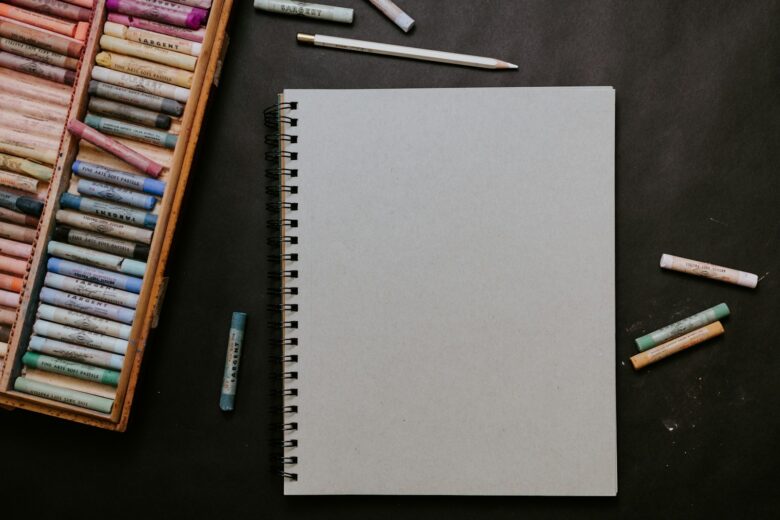
Learn drawing from scratch by mastering lines, shapes, shading, and perspective first. Practice daily with simple objects, then build skills through guided exercises.

Easy drawing exercises like gesture sketches, contour lines, and value studies build accuracy, speed, and control-helping you improve faster with focused daily practice.
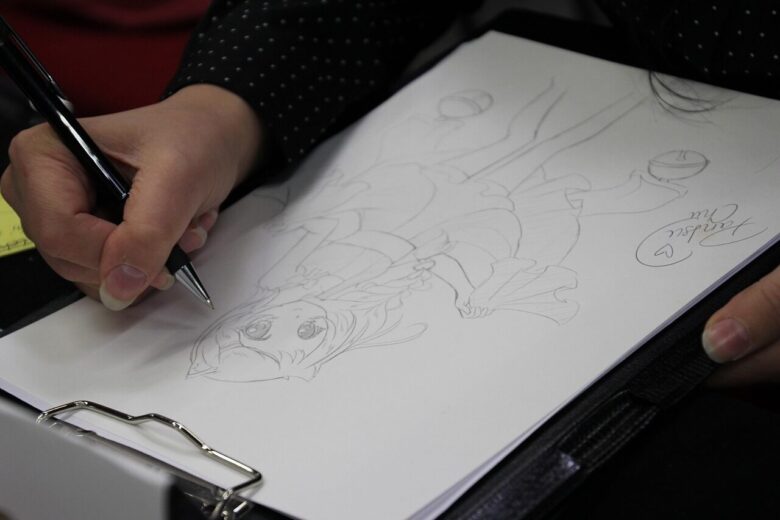
Print-on-demand lets artists turn signature illustrations into posters, apparel, stationery, and home décor while testing niches without inventory risk.

Beginners can monetize digital art by selling prints, templates, commissions, or licensed assets. Start with a niche, build a small portfolio, and test demand on marketplaces.

Free drawing apps like Krita, Sketchbook, and ibisPaint help beginners practice lines, layers, and brushes without cost, making daily skill-building simple and accessible.

Start with structure: map the head, align features, then build values gradually. Treat each face as simple shapes first, adding detail only after proportions feel right.
Start digital drawing at home with a pressure-sensitive tablet, reliable stylus, and beginner-friendly software. Calibrate your workspace and practice daily with layers.