By Marcus A. Hale • Published June 9, 2026 • Last updated: June 9, 2026
You do not need expensive software to start drawing digitally. Some of the best tools for beginners cost nothing, and many professional artists still use free apps for specific tasks. The key is finding the app that matches your device, your goals, and your willingness to learn a new interface.
I spent my first year of digital art using only free software. My first paid commission was created in Krita on a $40 Huion tablet. The software did not limit me. My skill level did. Once I understood that, I focused on practice instead of chasing premium tools.
Krita: The Most Powerful Free Drawing App
Krita is free, open-source, and available on Windows, macOS, and Linux. It offers a professional brush engine, layer management, animation tools, and a wraparound mode for seamless textures. For pure digital painting, it rivals software that costs hundreds of dollars.
What works: The brush library is extensive and customizable. The layer system supports masks, blending modes, and groups. The animation workspace is surprisingly capable for simple motion work. The community provides free brushes, textures, and tutorials.
What limits: The interface is more complex than Procreate or Sketchbook. Beginners may feel overwhelmed by the options. Photo editing tools are minimal. Stability can be an issue on older computers with less RAM.
Best for: Beginners who want professional painting tools without cost and are comfortable learning a dense interface. Ideal for concept art, illustration, and comic work.
My experience: I used Krita for two years before buying any paid software. It handled portraits, environment sketches, and my first comic pages without complaint. The only reason I added Photoshop was client file compatibility, not capability.
Autodesk Sketchbook: Best for Quick Sketching
Sketchbook is free on all platforms and designed for fast, intuitive drawing. The interface stays out of your way. The brush engine is simple but responsive. It loads quickly and runs smoothly even on older devices.
What works: The minimal interface is perfect for beginners who feel overwhelmed by complex software. The predictive stroke feature helps shaky lines feel confident. The symmetry tool is excellent for faces and patterns. It supports layers, basic blending, and standard export formats.
What limits: No animation tools. Limited brush customization. No advanced color management. The layer system is basic compared to Krita or Photoshop.
Best for: Beginners who want to sketch, doodle, and practice fundamentals without learning a complex program. Perfect for tablet users who prioritize speed over features.
My experience: I still use Sketchbook for quick thumbnail sketches and warm-up drawings. It opens in three seconds and does not distract me with options I do not need.
MediBang Paint: Best for Comics and Manga
MediBang Paint is free on desktop and mobile, with cloud sync between devices. It is built specifically for comic and manga creation, with panel tools, speech bubbles, screentone, and font libraries included.
What works: The comic-specific tools are genuinely useful. Panel splitting, perspective rulers, and tone libraries speed up comic production. The cloud sync lets you draw on iPad and finish on desktop. The brush engine is adequate for most illustration work.
What limits: The brush engine is less refined than Krita or Procreate. The interface feels dated. The mobile version has ads unless you subscribe. The cloud requires account creation.
Best for: Beginners interested in making comics, webtoons, or manga who want free tools with built-in comic features.
Ibis Paint X: Best for Mobile Beginners
Ibis Paint X is free on iOS and Android with optional ad removal. It is surprisingly capable for a mobile app, with over 15,000 brushes, layers, blending modes, and screen recording built in.
What works: The brush selection is enormous. The interface is optimized for phone and tablet screens. The time-lapse recording is automatic and useful for social media. It runs smoothly on mid-range devices.
What limits: Ads interrupt workflow unless you pay. The free version has limited layer count. Export resolution is restricted. It is not suitable for professional print work.
Best for: Beginners who want to draw on their phone during commutes, breaks, or anywhere without carrying a tablet. Great for social media content and casual practice.
How to Choose Your First Free Drawing App
Your device determines your options. Your goals determine your choice:
- Desktop or laptop (Windows/Mac/Linux): Start with Krita for painting or Sketchbook for sketching.
- iPad or iPhone: Start with Sketchbook for simplicity or Ibis Paint X for features.
- Android tablet or phone: Start with Sketchbook or Ibis Paint X.
- Comics or manga: Start with MediBang Paint or Krita.
Download two apps. Spend one week with each. Choose the one that feels natural and does not fight your workflow. The best app is the one you actually open and use.
Related: Best Digital Art Software for Beginners and Hobby Artists
Marcus A. Hale is a self-taught digital illustrator based in Brazil with 6+ years of hands-on experience. He founded Drawinglics to document honest, tested advice for beginners.
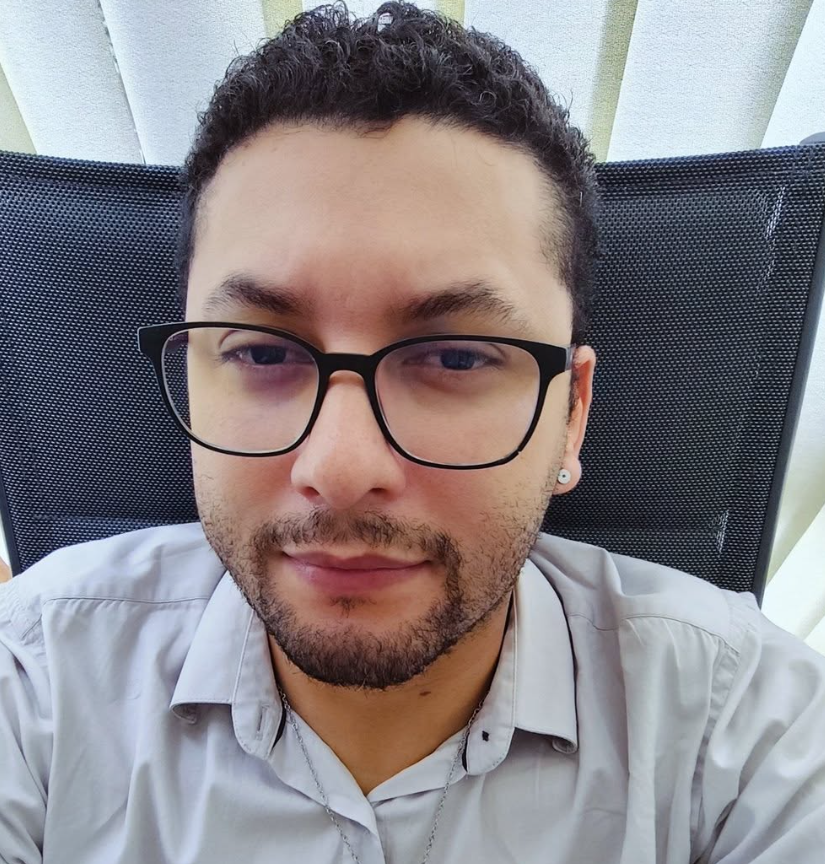
Marcus Hale is a self-taught digital illustrator and art enthusiast with 6+ years of hands-on experience with Procreate, Photoshop, and Krita. He started sketching in school notebooks and transitioned to digital art in 2019, testing dozens of tablets, software, and techniques along the way. At Drawinglics, he shares what he learned through practice — no promises of natural talent, just real tests, documented mistakes, and processes that actually work for beginners starting from scratch. When he is not testing new brushes or setting up tablets.